
How to Create Rajasthan SSO ID Online 2026: Citizen, Udyog & Govt Employee Registration
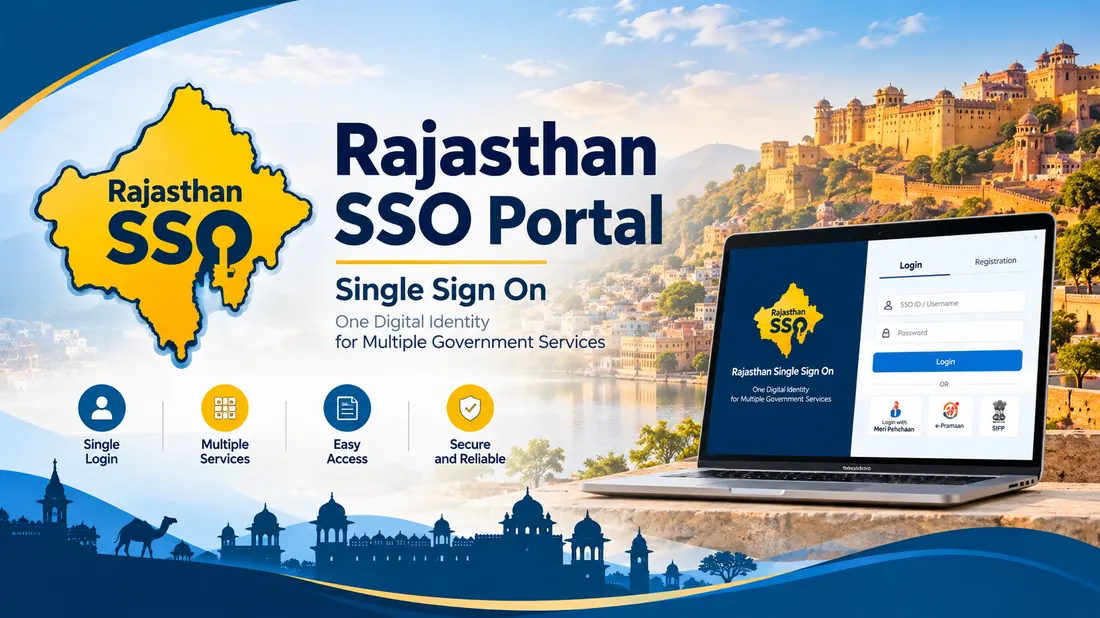
Creating a Rajasthan Single Sign-On (RajSSO) ID is the mandatory first step for every resident, job seeker, student, and business owner in Rajasthan to access state government services online. With one unified digital identity, you can apply for competitive examinations (RPSC/RSMSSB), verify land records on Apna Khata, access Jan Aadhaar schemes, and manage utility payments on e-Mitra.
Table of Contents
Who Can Register for RajSSO?
The Government of Rajasthan classifies applicants into three distinct categories:
- Citizens (नागरिक): All permanent and temporary residents of Rajasthan, students, and competitive exam applicants from other Indian states.
- Udyog / Sanstha (उद्योग): Proprietorships, private limited firms, partnership entities, and non-profit institutions operating within Rajasthan.
- Government Employees (सरकारी कर्मचारी): All regular state civil servants, department staff, and teachers under the Government of Rajasthan.
Prerequisites & Documents Required
Before launching the registration portal, keep the following credentials ready:
- Active Jan Aadhaar Number / Enrollment Slip: Required for Rajasthan state residents.
- Active Mobile Number: The mobile SIM must be currently operational to receive the mandatory one-time verification password (OTP).
- Google Account (Gmail): Valid for national applicants and non-resident candidates applying for state recruitment exams.
- Business Registration Number (BRN) or Udyam Aadhaar: For commercial entities.
- State Insurance & Provident Fund (SIPF) Number: For state government employees.
Step-by-Step Citizen Registration Guide
Follow these exact steps to generate your verified digital SSO ID:
Step 1: Open the Official Registration Portal
Open your web browser and navigate directly to https://sso.rajasthan.gov.in/register. Choose the Citizen tab located on the primary registration screen.
Step 2: Choose Your Authentication Source
You can choose between two primary registration methods:
- Method A (Recommended for Rajasthan Residents): Jan Aadhaar
Enter your 10-digit Jan Aadhaar family ID or 16-digit Enrollment ID. The system fetches all registered family member names. Select your specific name from the list, click Send OTP, and enter the verification code sent to the member-linked mobile phone. - Method B (For Non-Residents & General Candidates): Google Account
Click the Google emblem. A secure Google OAuth popup appears. Sign into your verified Gmail account and grant read permission. The system automatically creates a username candidate from your email prefix.
Step 3: Define Your Unique SSO Username
The portal suggests an SSO username based on your Jan Aadhaar or Gmail. If a green checkmark appears, the username is available. If taken, modify it by adding numbers until accepted.
Step 4: Create a Strong Secure Password
Your password must satisfy these state cybersecurity standards:
- Minimum 8 characters, maximum 30 characters.
- At least one uppercase alphabet (A-Z) and one lowercase alphabet (a-z).
- At least one numerical digit (0-9) and one special symbol (@, #, $, %).
Step 5: Final Submission & Confirmation
Confirm your password, enter your active mobile number, and click Register. An instant confirmation dialogue flashes displaying: "Registration Successful. Your SSO ID is [YourID]." An SMS confirmation arrives within seconds.
First-Time Login & Profile Completion
Visit sso.rajasthan.gov.in/signin, enter your newly created SSO ID, password, and the 6-digit visual captcha. Upon your first sign-in, you must complete your citizen profile by providing your full legal address, pin code, and secondary email to enable password recovery.
Official Portal Verification Notice
For official login, registration, and grievance redressal, always utilize the authorized government server:
Launch Official Portal →